Add a watermark to PDF
Add a stamp like “Draft” or a logo to all or selected pages, with the opacity and angle you want.
- Files stay on your device
- No sign-up
- No watermark
- Up to 100 MB
- Works with
- .jpg
- .png
- .docx
- .xlsx
How to do it
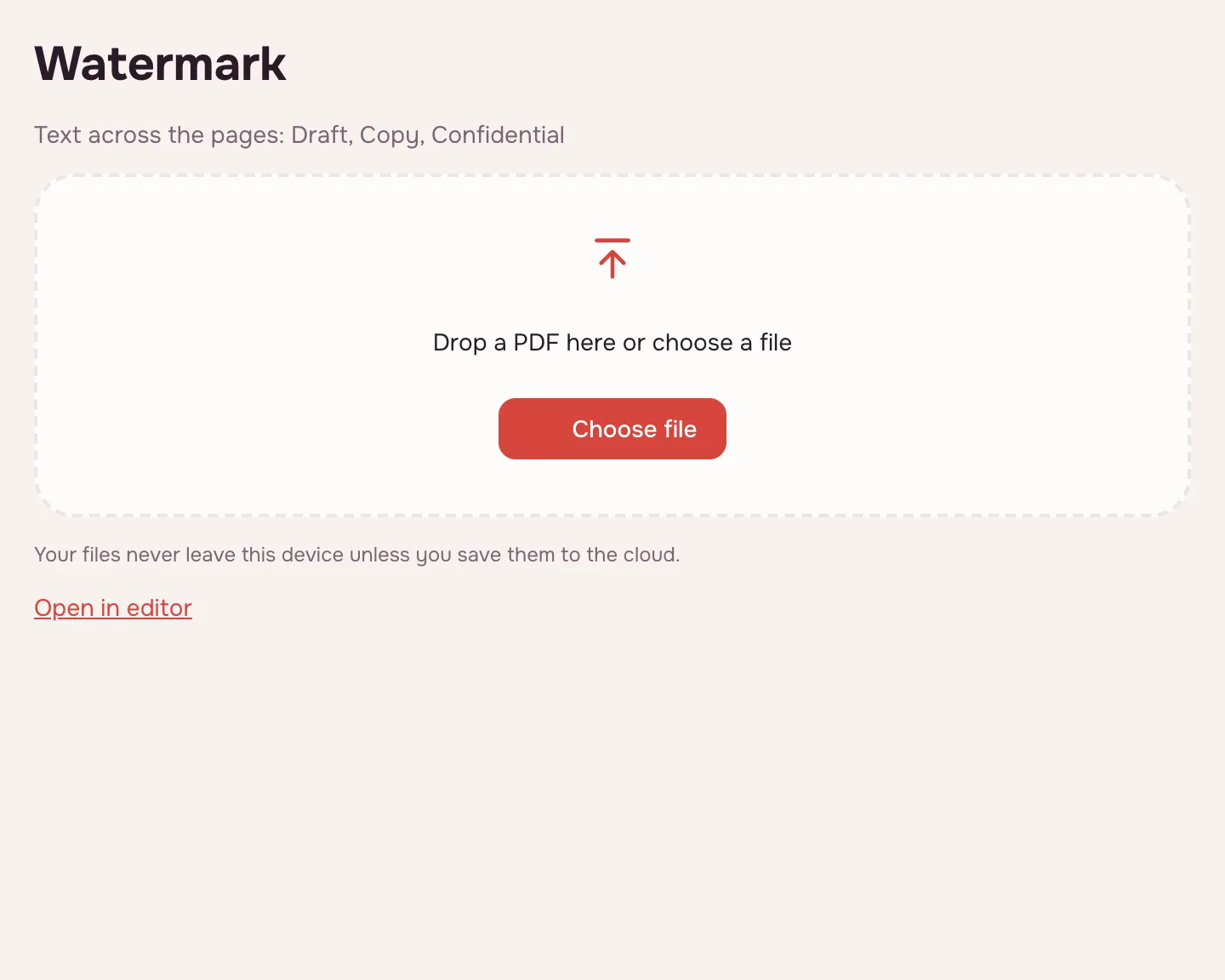
Choose a PDF file.
Choose a PDF file.
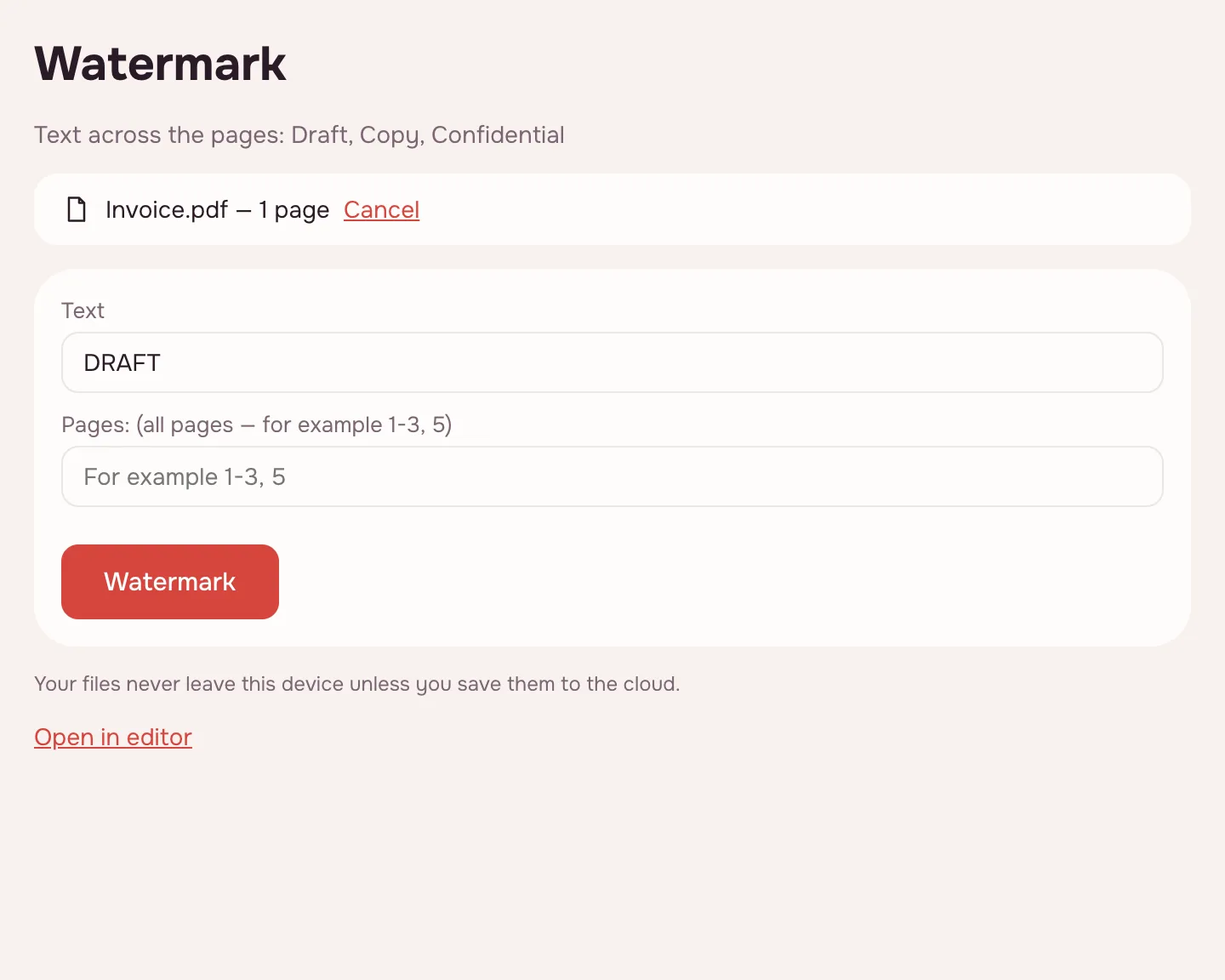
Type text or pick an image and adjust the look.
Type text or pick an image and adjust the look.
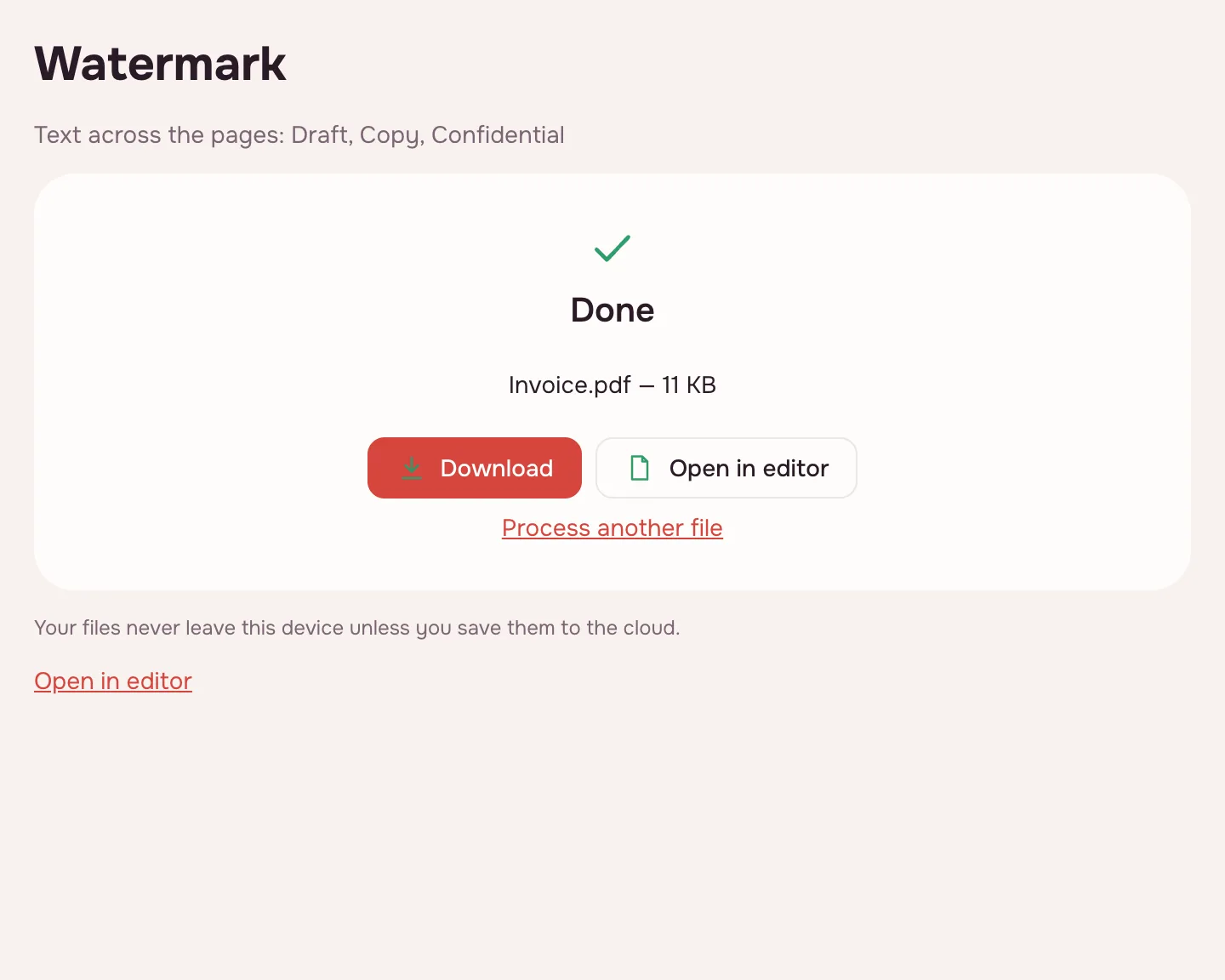
Download the watermarked document.
Download the watermarked document.
FAQ
Support: [email protected]
Can I remove the watermark later?
Yes, our marks can be removed in the editor.
Can I use a transparent image?
Yes, PNG with transparency.
Are my files uploaded anywhere?
No. The file is processed right in your browser, on your device, and is not sent anywhere. It only reaches your Zotu cloud if you save it there yourself.
More PDF tools
PDF Editor
Change text and pictures on the page, add a signature, comments and fill in forms.
Sign PDF
Add a signature to a PDF: draw it, type it or upload a picture.
Fill PDF form
Fill in PDF form fields in your browser — text, check boxes, lists — and download the result.
Add page numbers to PDF
Number PDF pages: position, “Page 1 of 10” format, skip the first page.
Flatten PDF
Turn form fields and comments into part of the page so they can't be changed.
Compress PDF
Make a PDF smaller for e-mail or an upload form, with three quality levels.
Merge PDF
Combine several PDFs and images into one file, in the order you choose.
Split PDF
Split a PDF into single pages or fixed-size parts and download them as one ZIP.
Rotate PDF
Turn PDF pages 90° or 180° — the whole document or just the pages you pick.
Add a watermark to PDF
Put a text or image watermark on PDF pages: opacity, angle, position.
Open editor