Unlock PDF
Open a protected document with your password and save a copy without protection.
- Files stay on your device
- No sign-up
- No watermark
- Up to 100 MB
- Works with
- .jpg
- .png
- .docx
- .xlsx
How to do it
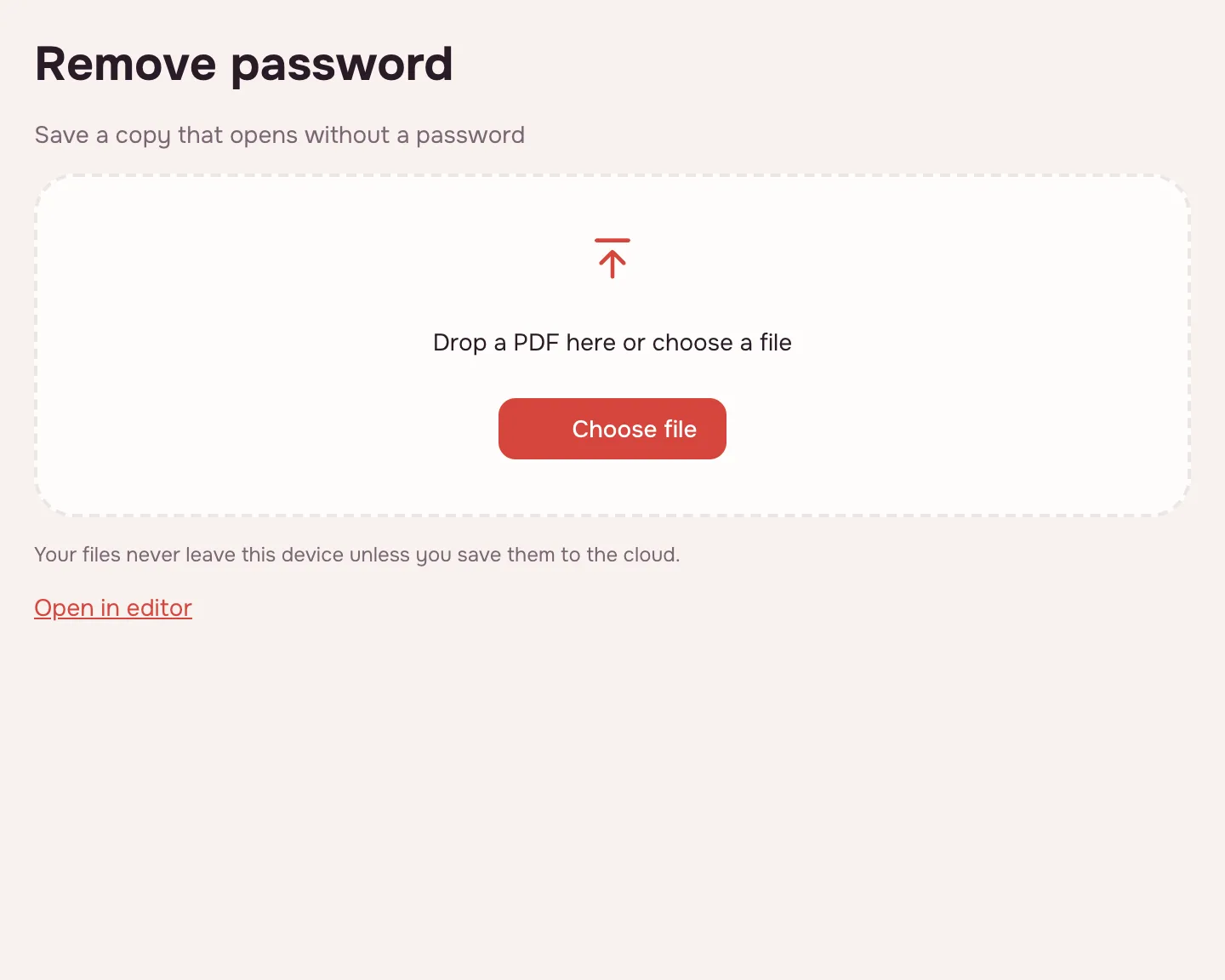
Choose a protected PDF.
Choose a protected PDF.
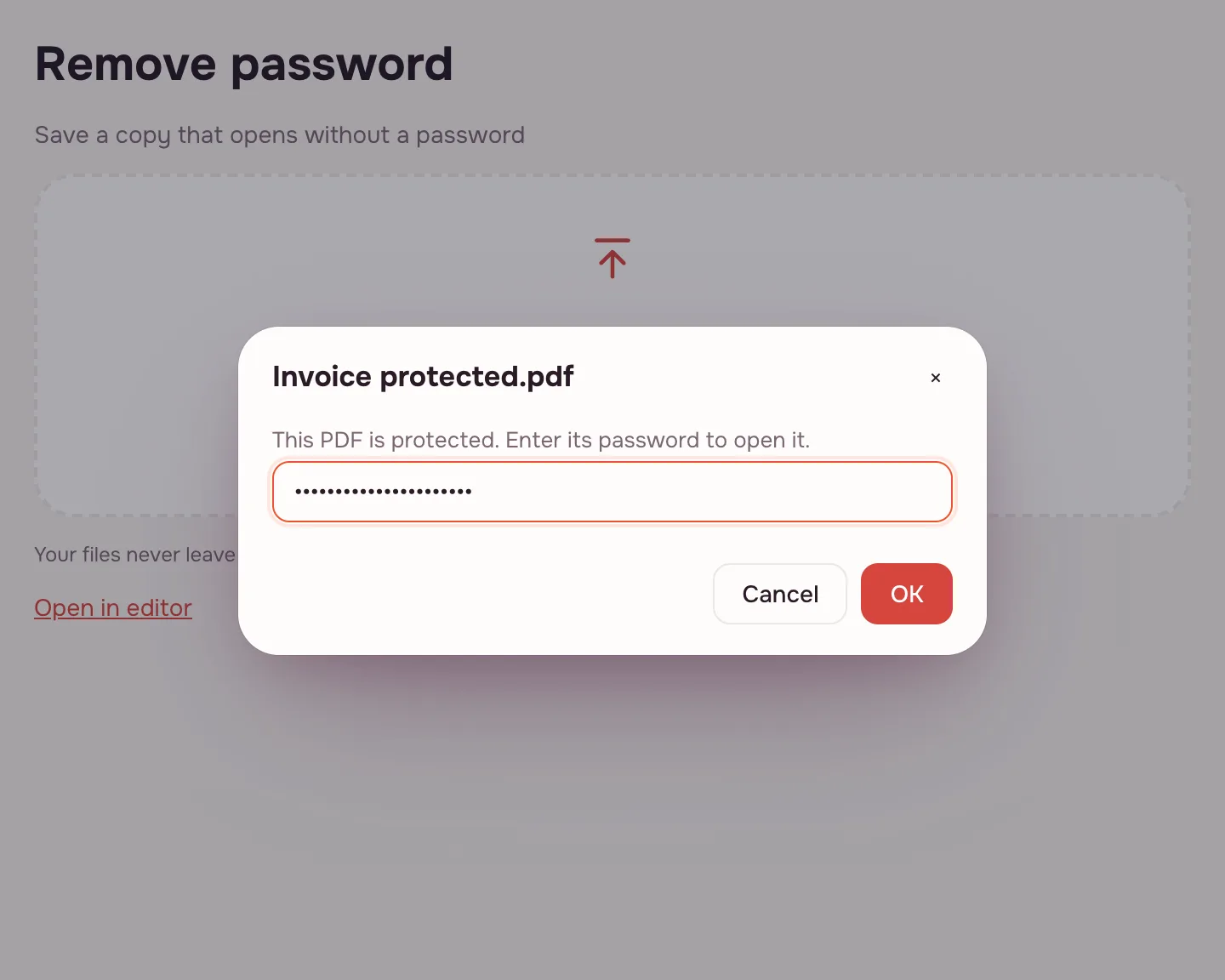
Enter the password.
Enter the password.
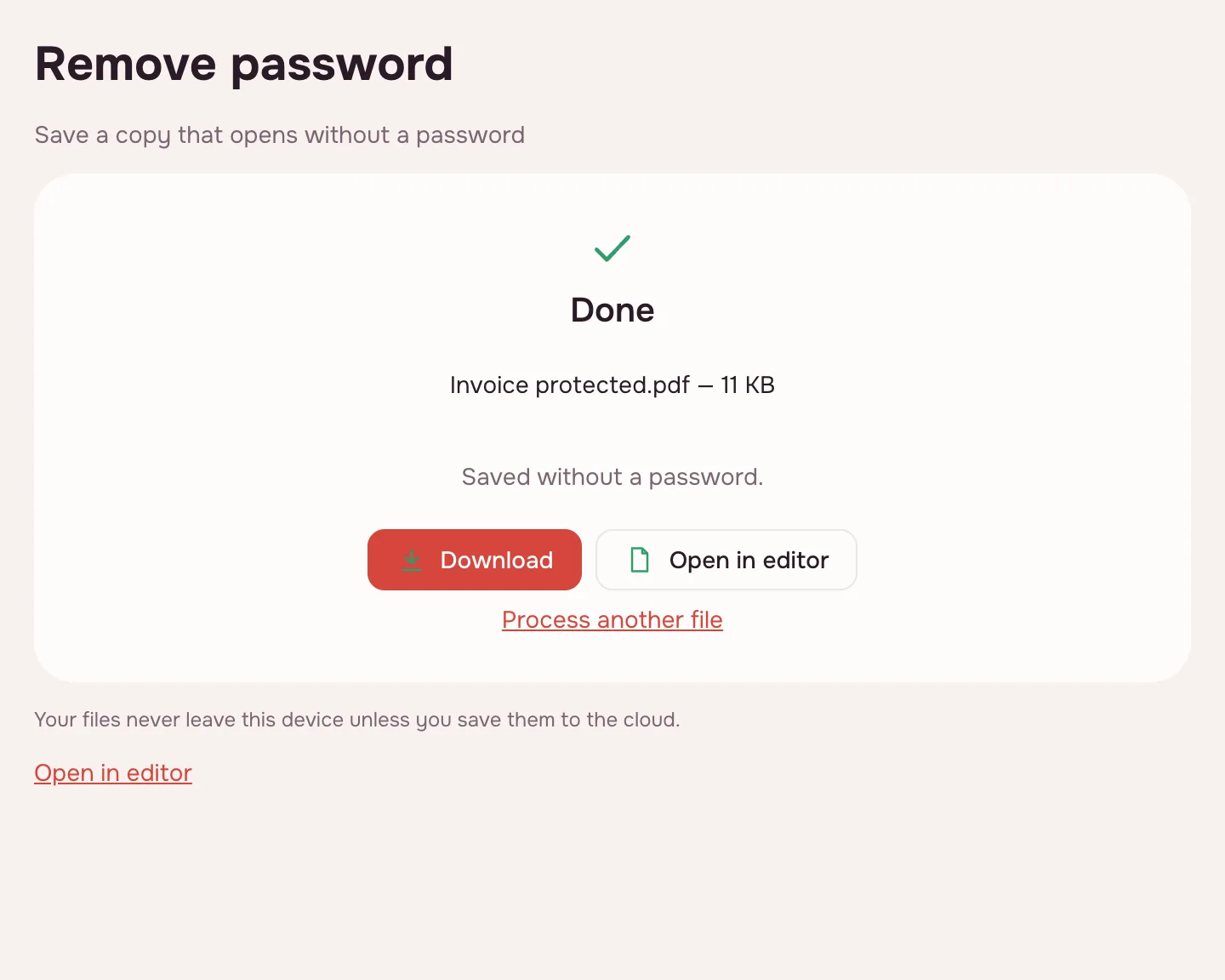
Download the document without a password.
Download the document without a password.
FAQ
Support: [email protected]
Can I open a PDF without the password?
No. The tool only removes protection from documents whose password you know.
Are print restrictions removed too?
Yes, with the owner password or when the restrictions have no open password.
Are my files uploaded anywhere?
No. The file is processed right in your browser, on your device, and is not sent anywhere. It only reaches your Zotu cloud if you save it there yourself.
More PDF tools
Protect PDF
Encrypt a PDF with a password to open and restrict printing or editing.
Redact PDF
Black out and remove personal data from a PDF: phone numbers, SSNs, emails, card numbers.
Compress PDF
Make a PDF smaller for e-mail or an upload form, with three quality levels.
Merge PDF
Combine several PDFs and images into one file, in the order you choose.
Split PDF
Split a PDF into single pages or fixed-size parts and download them as one ZIP.
Rotate PDF
Turn PDF pages 90° or 180° — the whole document or just the pages you pick.
Delete PDF pages
Remove the pages you don’t need and save a new PDF with everything else intact.
Extract PDF pages
Save the pages you choose as a new PDF, in the order you list them.
Organize PDF
Reorder PDF pages by dragging thumbnails, rotate, delete or insert pages.
Unlock PDF
Remove the password and restrictions from a PDF when you know it.
Open editor