PDF to PDF/A
Save a document in the PDF/A archival format required for long-term storage and many submissions.
- Files stay on your device
- No sign-up
- No watermark
- Up to 100 MB
- Works with
- .jpg
- .png
- .docx
- .xlsx
How to do it
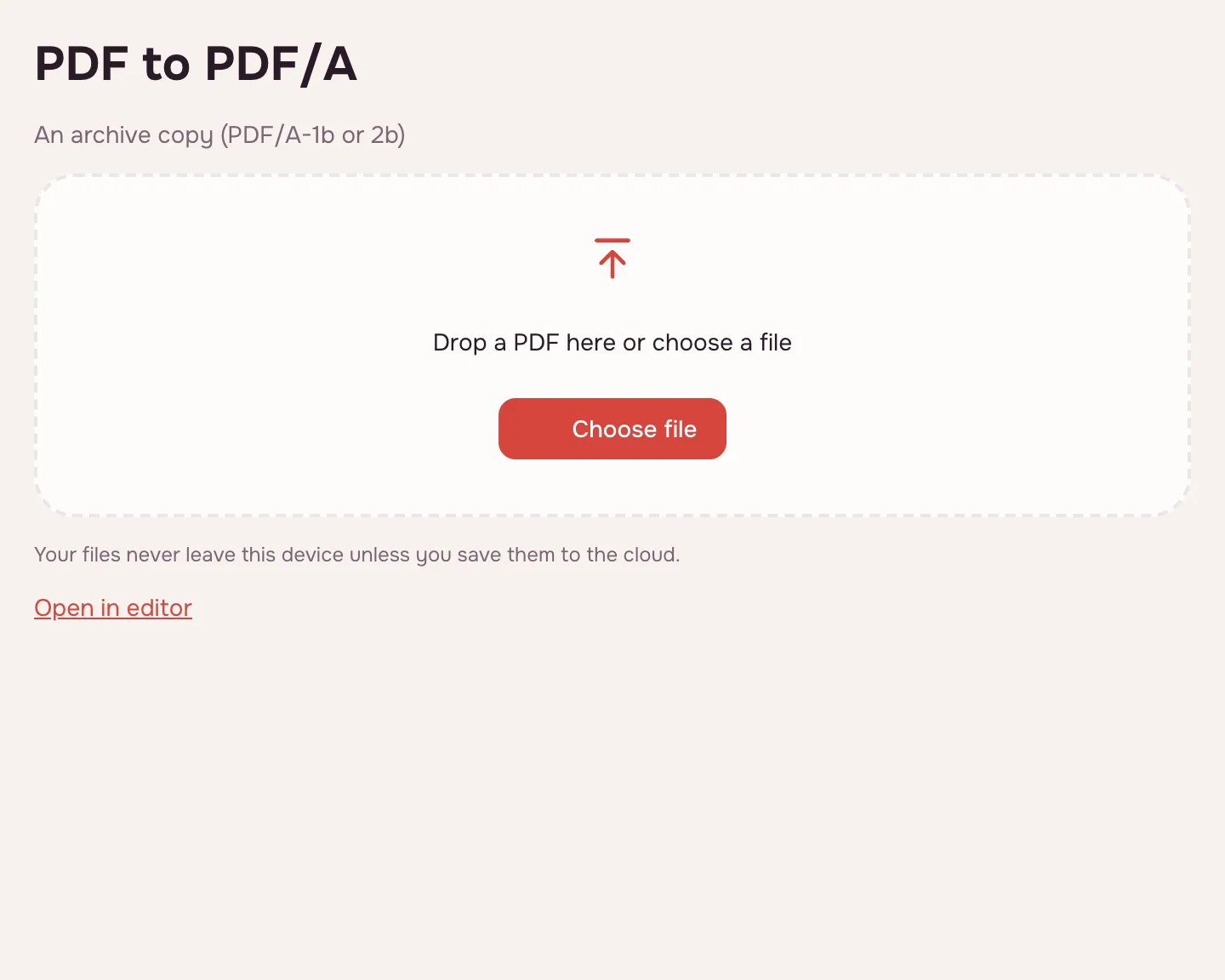
Choose a PDF file.
Choose a PDF file.
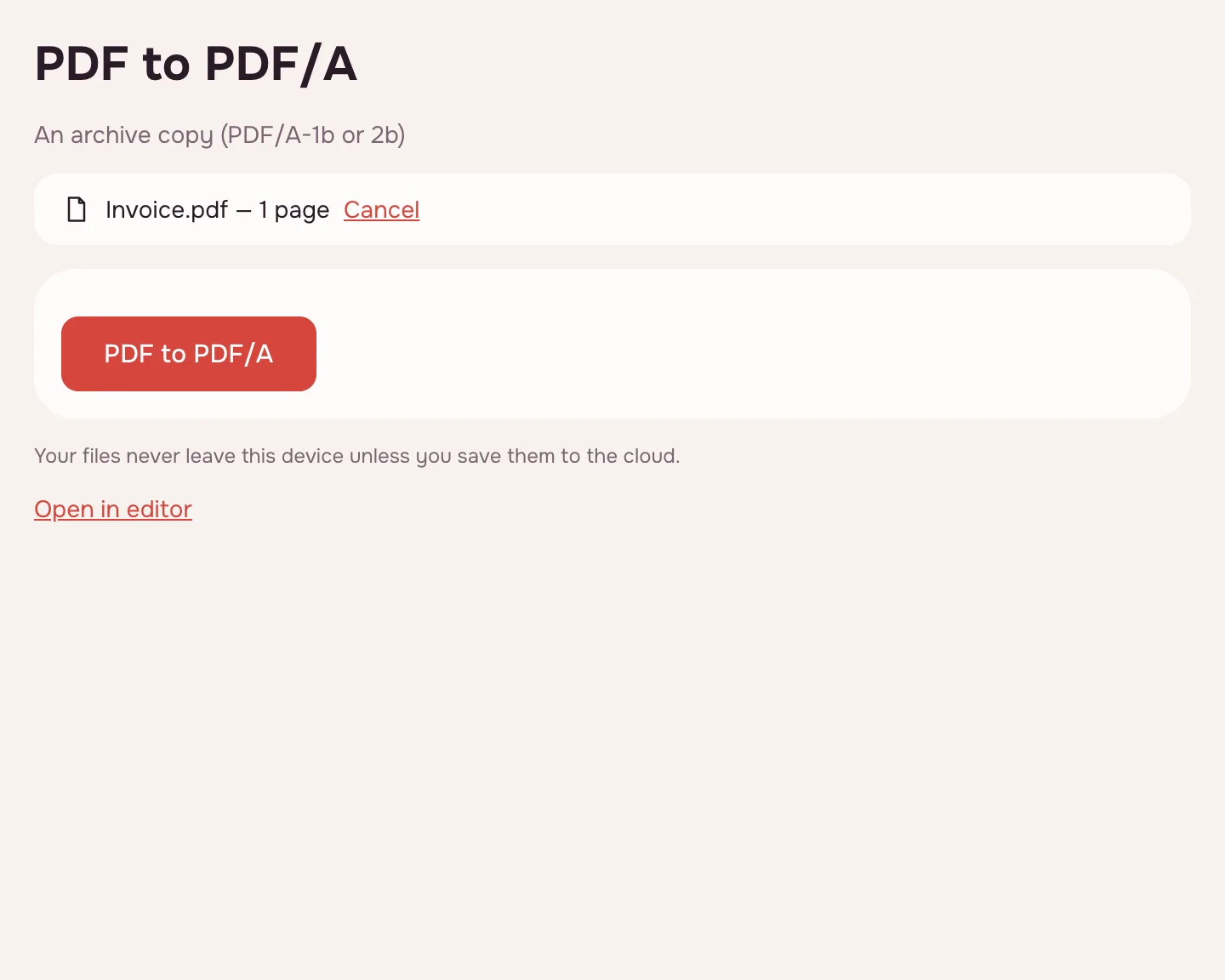
Pick PDF/A-1b or PDF/A-2b.
Pick PDF/A-1b or PDF/A-2b.
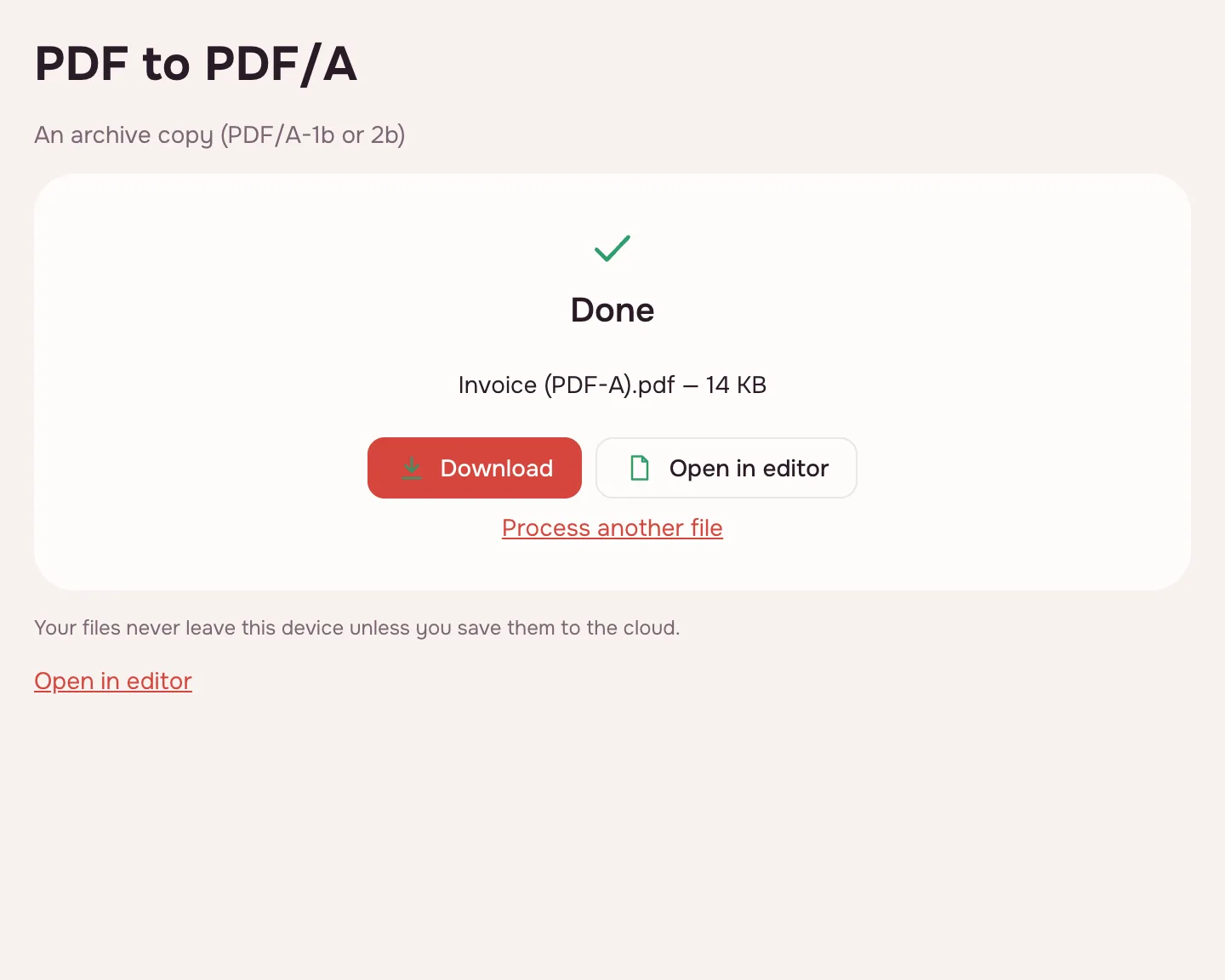
Download the checked document.
Download the checked document.
FAQ
Support: [email protected]
Which level should I pick?
If no requirement is given, choose PDF/A-2b.
Why can't my document be saved as PDF/A?
Usually because of fonts that are not embedded; the tool tells you which.
Are my files uploaded anywhere?
No. The file is processed right in your browser, on your device, and is not sent anywhere. It only reaches your Zotu cloud if you save it there yourself.
More PDF tools
JPG to PDF
Combine JPG and PNG pictures into one PDF, in the order you choose.
PDF to JPG
Save PDF pages as JPG or PNG images at the resolution you need.
PDF to Word
Turn a PDF into an editable DOCX with headings, lists, tables and images.
PDF to Excel
Turn tables from a PDF into an XLSX workbook with numbers, amounts and dates as values.
PDF to PPT
Turn PDF pages into PPTX slides with editable text, pictures and tables.
PDF to text
Get the text out of a PDF as TXT, HTML or RTF in the right reading order.
OCR PDF
Add an invisible text layer to a scanned PDF so search, selection and copying work.
Compress PDF
Make a PDF smaller for e-mail or an upload form, with three quality levels.
Merge PDF
Combine several PDFs and images into one file, in the order you choose.
PDF to PDF/A
Check a document and save it as PDF/A-1b or PDF/A-2b for long-term archiving.
Open editor