Merge PDF files into one
Putting together a job application packet, tax season paperwork, or a signed contract with its exhibits? Merge the PDFs and images into one file: add them, set the order and download.
- PDF, JPG & PNG
- Drag to reorder
- No sign-up
- Files stay on your device
- Works with
- .jpg
- .png
- .docx
- .xlsx
How to merge PDF files
Choose your files
Click “Choose file” and select several documents at once, or drop them onto “Drop PDFs and pictures here or choose files”.
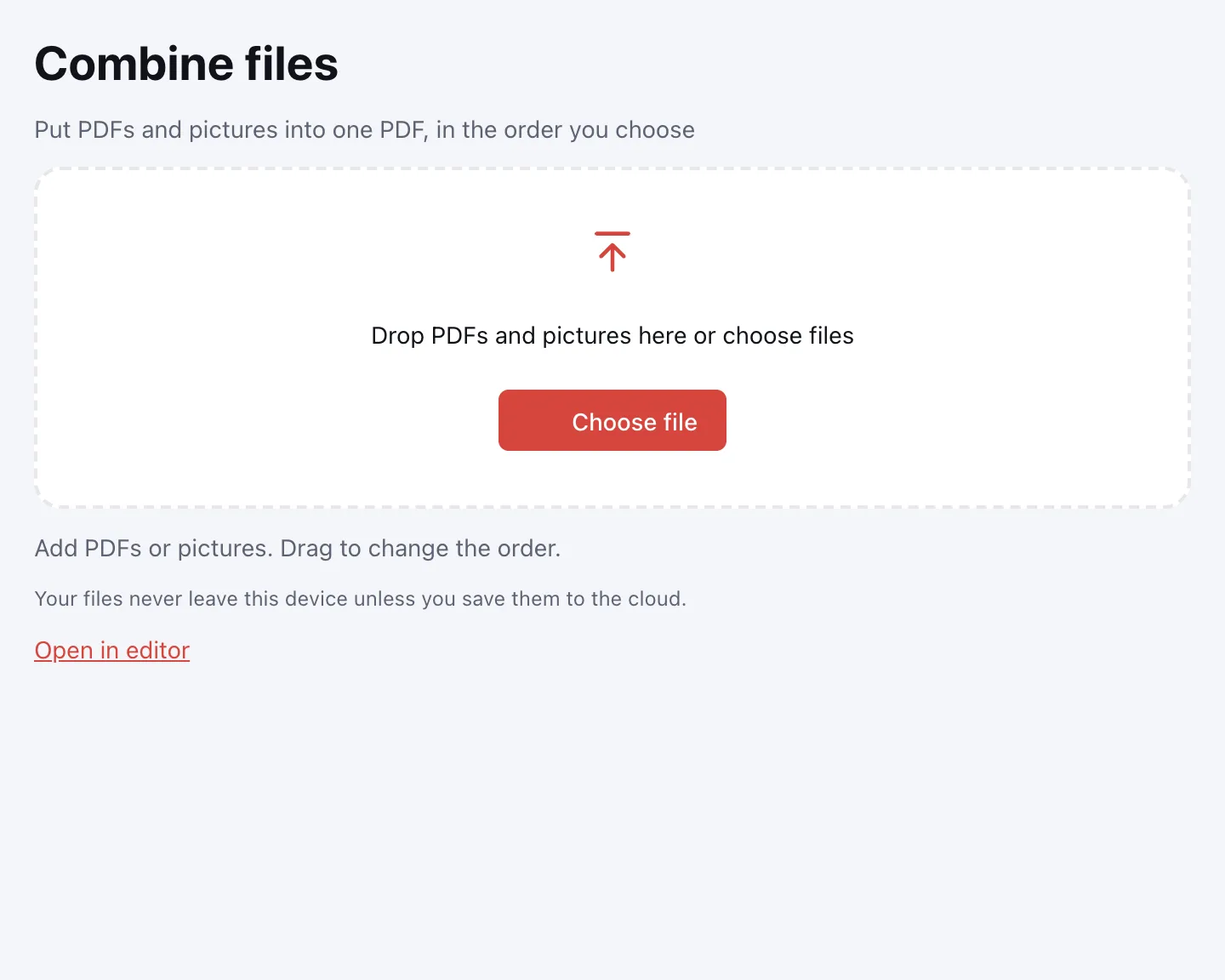
Add more if you need to
New files join the end of the list. Signed in to Zotu? You can also pull documents from your cloud with “From cloud”.
Set the order
Drag a file to move it, or use “Move up” and “Move down”. “Remove” takes a file out, and each PDF shows its page count.
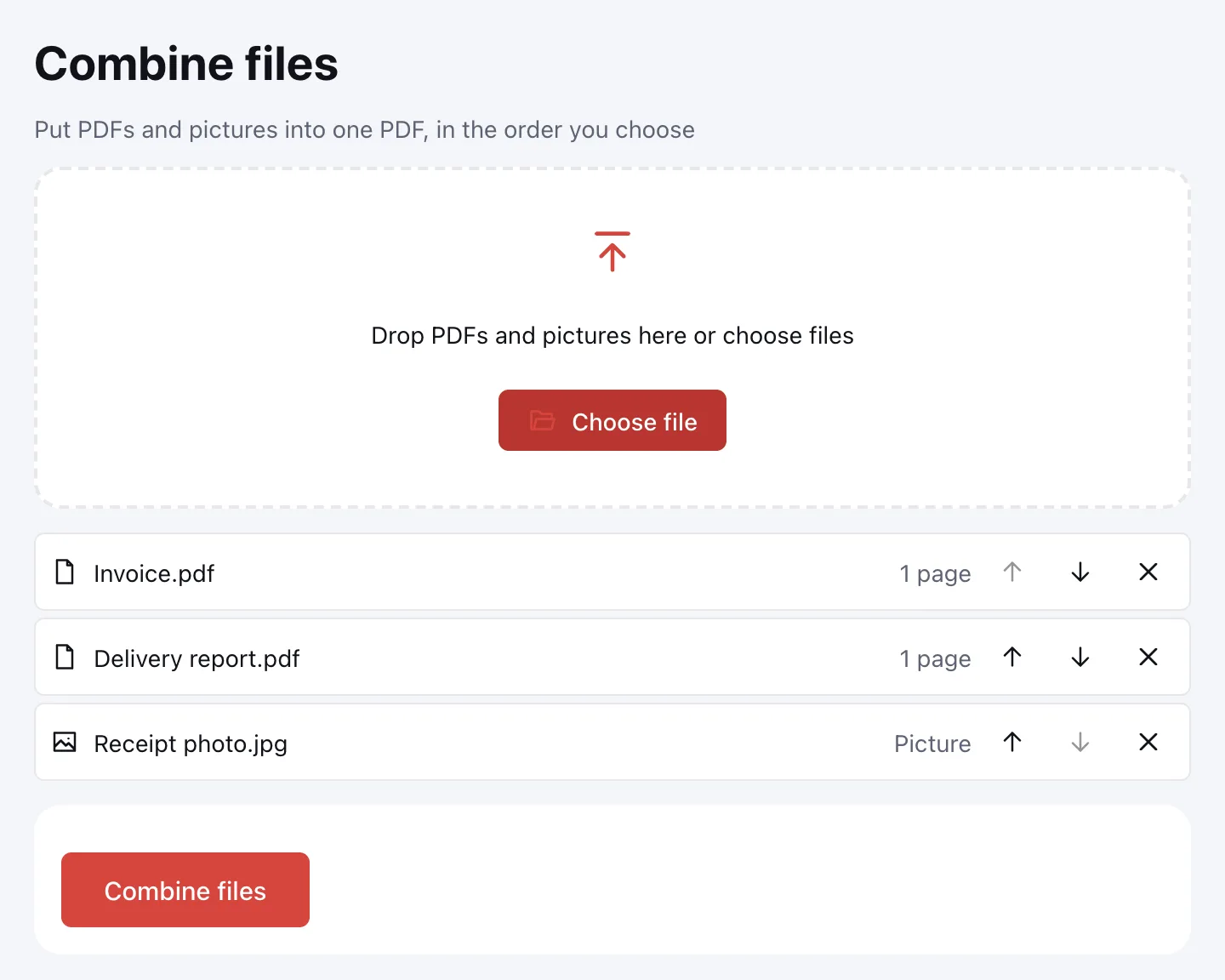
Click “Combine files”
You get “Combined.pdf”. Download it, save it to the cloud, or open it in the editor to rearrange pages.
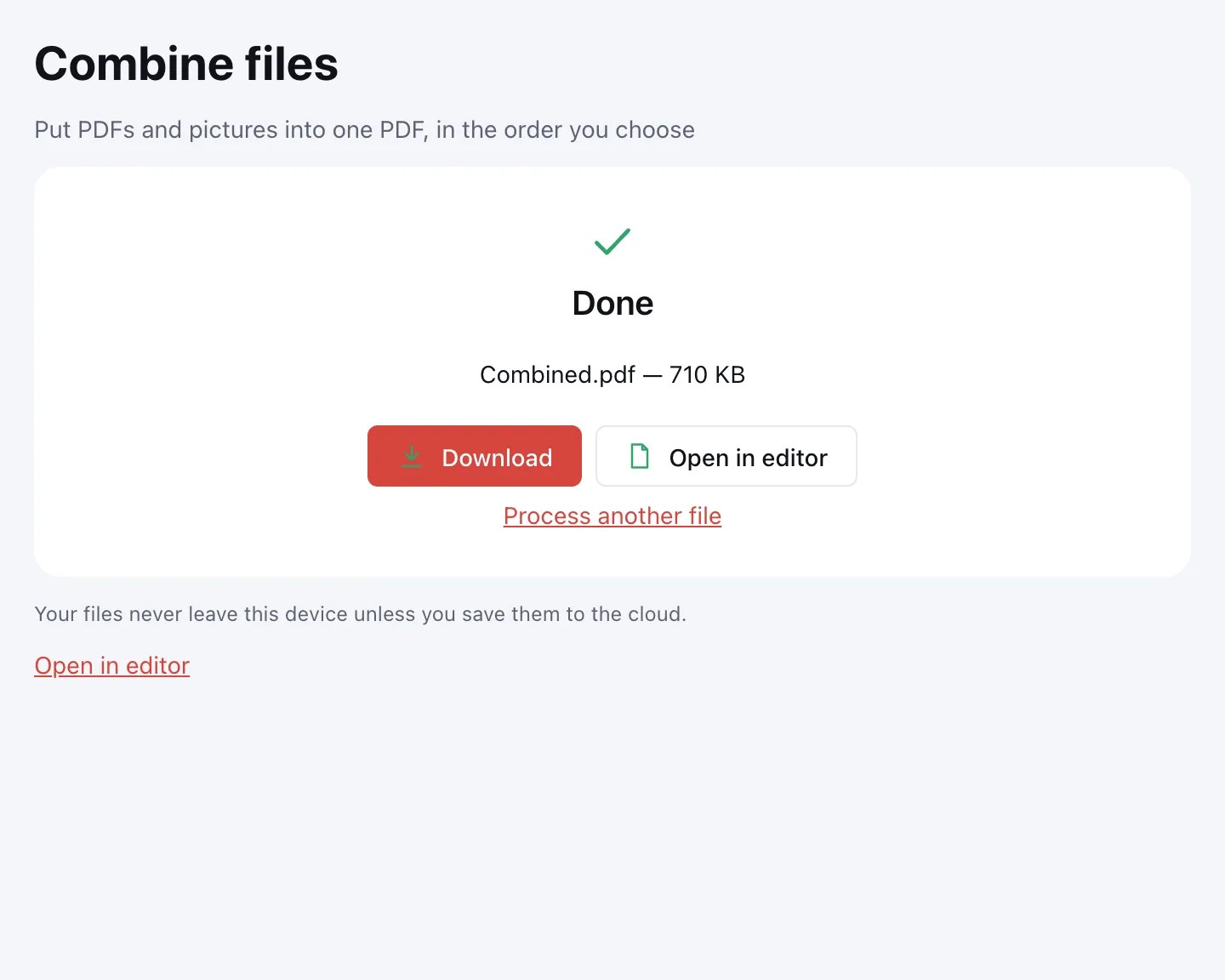
Combine PDFs and images in one file
- PDFs — each keeps its own page order, and text stays real text.
- JPG and PNG images — each becomes a Letter or A4 page with a margin; wide shots get a landscape page.
- Password-protected PDFs — you'll be asked for the password; the merged file is saved without protection.
- Fillable forms — fields are flattened: their values are printed onto the page and show everywhere, but can't be edited afterwards. That keeps same-named fields from different files from clashing.
Merge two PDFs — or twenty
There's no cap on the number of files. The only limit is the result: up to 1,000 pages in the combined PDF. Each source PDF can be up to 100 MB, each image up to 20 MB. If the merged file turns out large, compress it; the reverse job is to split a PDF.
Reorder, remove or rotate pages after merging
File order is set before merging, in the list. To change the page order inside the result, open it in the editor or use Organize PDF pages. Drop blank pages with Delete PDF pages, and fix sideways scans with Rotate PDF. Only images to combine? JPG to PDF is quicker.
Is it safe to merge PDFs online?
Files are combined in your browser on your own device and never uploaded — which matters for tax forms, IDs and signed contracts. Cloud storage is optional, needs an account, and keeps saved files in the EU/US under GDPR.
Merge PDFs on Mac, Windows, iPhone and Android
It works in any up-to-date browser, with nothing to install. On a phone, select several files and photos at once and reorder them with “Move up” and “Move down”.
FAQ
Support: [email protected]
How do I combine PDF files into one?
Click “Choose file” and select all the documents, or drop them onto the box. Put them in order and click “Combine files”. A moment later “Combined.pdf” is ready to download or save to the cloud.
How do I merge two PDF files?
Add both documents, check which one comes first, and click “Combine files”. To swap them, use “Move up” or “Move down” on the second file, or drag it with the mouse. Pages inside each file keep their order.
Can I merge PDFs with JPG or PNG images?
Yes. Images go into the same list as your PDFs, and each becomes its own Letter or A4 page with a margin. Wide shots get a landscape page, and phone photos appear the right way up.
How do I change the page order after merging?
Click “Open in editor” on the result screen, or use the Organize PDF pages tool. There you drag, rotate and delete page thumbnails, and every step can be undone until you save.
Is there a limit on how many files I can merge?
No limit on the number of files, but the combined PDF can have at most 1,000 pages. Each PDF can be up to 100 MB and each image up to 20 MB. A large result can be compressed afterwards.
Is it free, and will it add a watermark?
It's free with no sign-up, and nothing is added to your file — no watermark, no logo and no extra pages. You get just your documents, in the order you set, with no daily cap on merges.
What happens to fillable forms when I merge?
Field values are printed onto the pages: they show in any PDF reader, but the fields can't be edited after merging. That way fields with the same name in different files don't conflict.
Can I merge password-protected PDFs?
Yes, if you know the password to open them — you'll be asked when you add the file. The merged document is saved without a password, so protect it again if needed.
How do I merge PDFs on iPhone?
Open this page in your iPhone's browser, tap “Choose file” and pick the documents and photos from Files or Photos. Reorder with “Move up” and “Move down”, then tap “Combine files” and save the result.
More PDF tools
Split PDF
Split a PDF into single pages or fixed-size parts and download them as one ZIP.
Compress PDF
Make a PDF smaller for e-mail or an upload form, with three quality levels.
Organize PDF
Reorder PDF pages by dragging thumbnails, rotate, delete or insert pages.
Delete PDF pages
Remove the pages you don’t need and save a new PDF with everything else intact.
JPG to PDF
Combine JPG and PNG pictures into one PDF, in the order you choose.
Rotate PDF
Turn PDF pages 90° or 180° — the whole document or just the pages you pick.
Extract PDF pages
Save the pages you choose as a new PDF, in the order you list them.
Merge PDF files into one
Combine several PDFs and images into one file, in the order you choose.
Open editor