Convert PDF to Excel into a spreadsheet you can work in
Convert PDF to Excel when a bank statement or a supplier price list has to become rows you can total. Add the file, choose the pages if you need only some, and click “PDF to spreadsheet”: every page becomes a sheet, and amounts, percentages and dates arrive as values. The file is processed in your browser and is not uploaded.
- Files stay on your device
- No sign-up
- No watermark
- Up to 100 MB
- Works with
- .jpg
- .png
- .docx
- .xlsx
How to convert a PDF to Excel
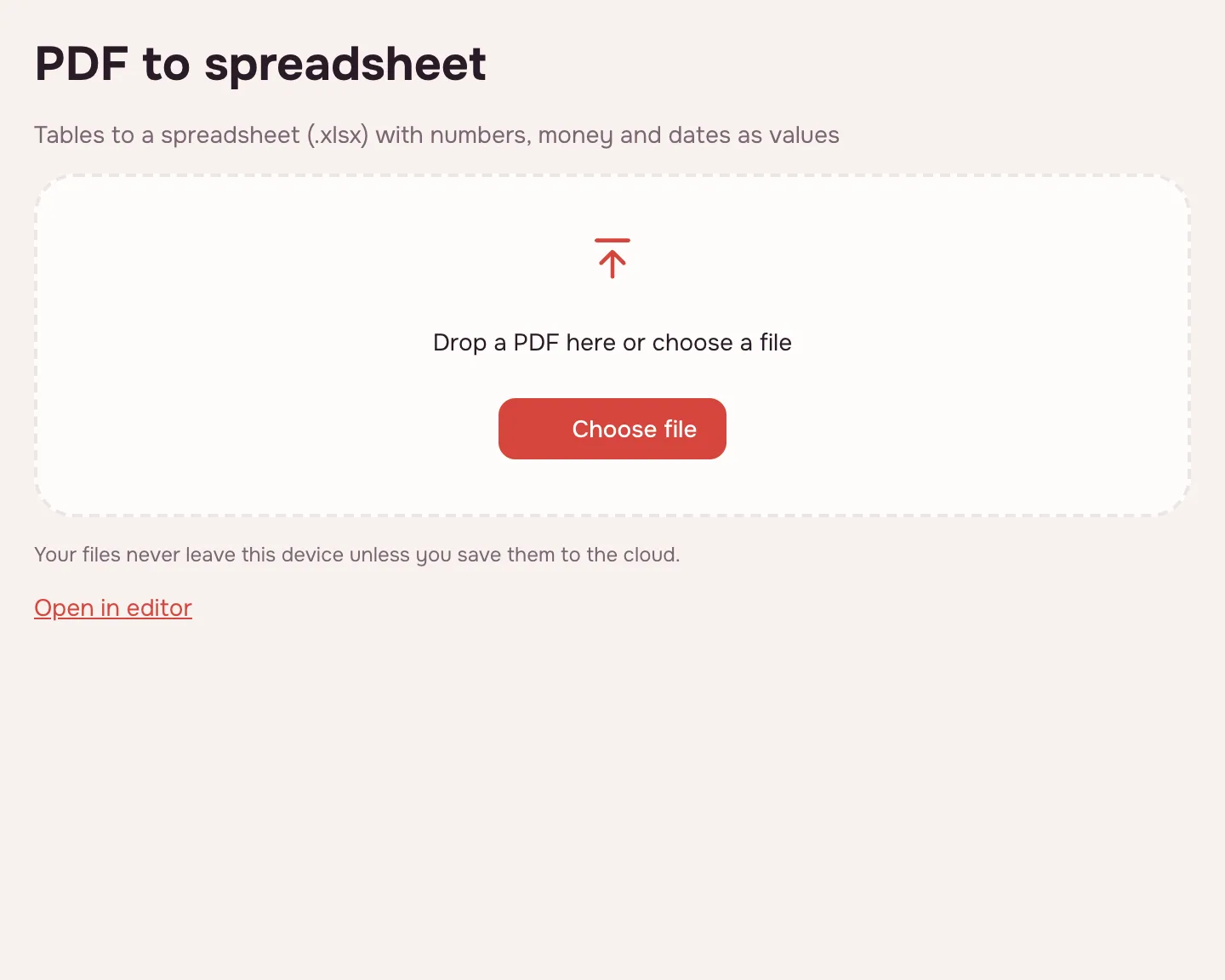
Choose your file
Click “Choose file” or drop the PDF onto the page. It opens locally, so there is no upload to wait for.
Pick the pages
Leave the page field empty to convert the whole document, or type a range such as “1-3, 5” to convert only those pages.
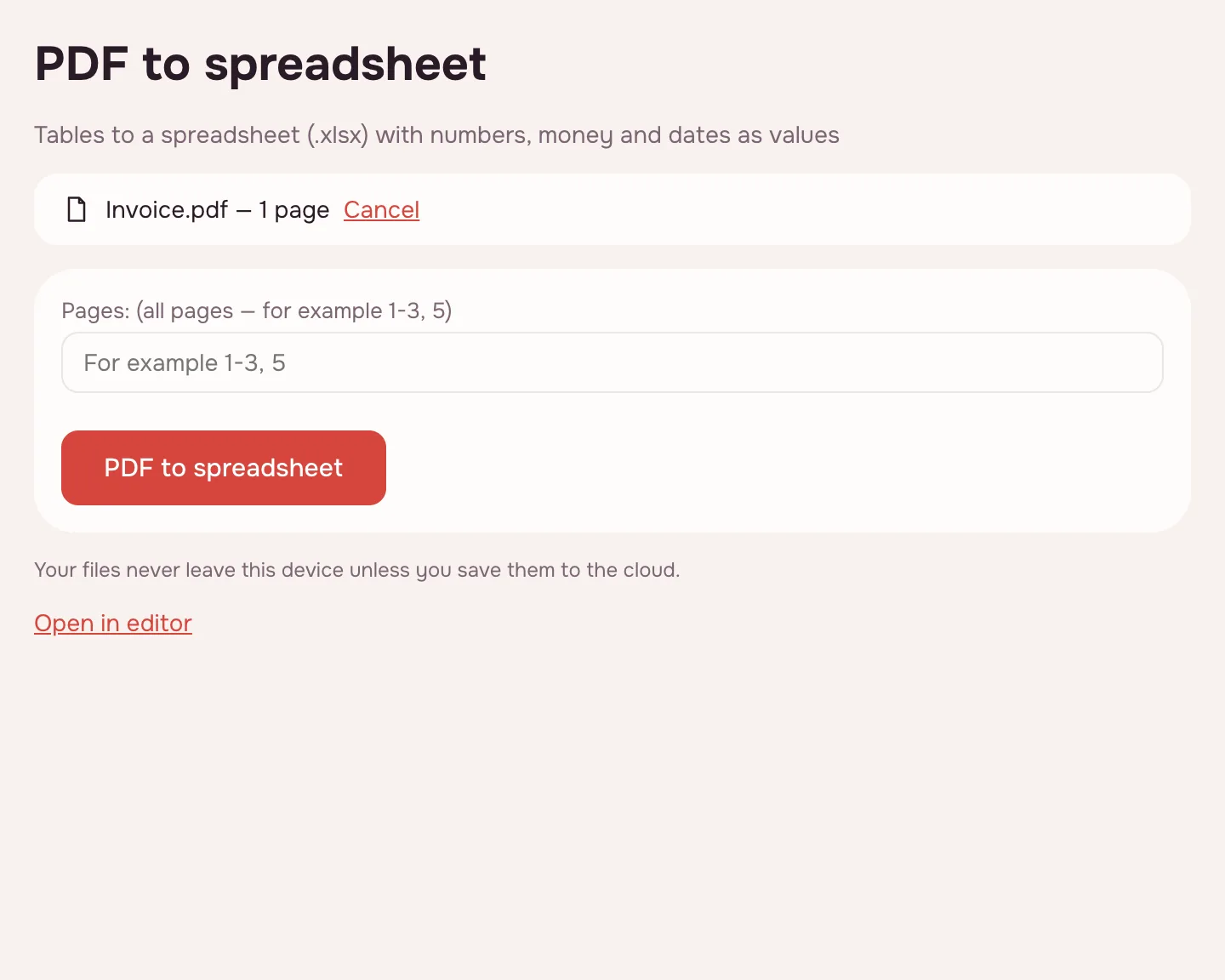
Click “PDF to spreadsheet”
Each page becomes a separate sheet named after its page number. Progress is shown on screen, and a long conversion can be cancelled.
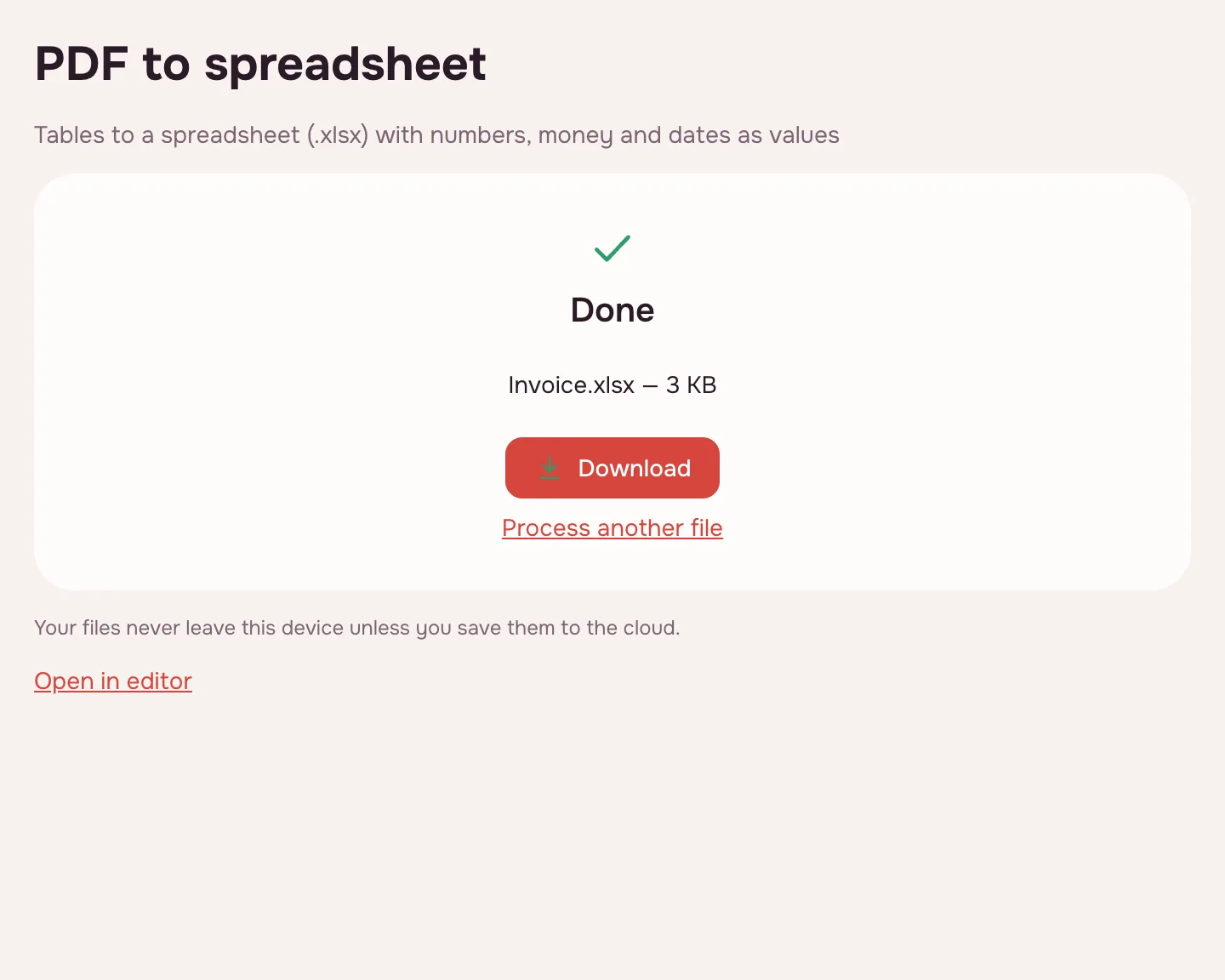
Download the workbook
Click “Download” and open the file in your usual spreadsheet app. The original PDF is not changed, and the workbook stays on your device.
What the converter does
A PDF stores text as positioned glyphs, not as rows and columns. The converter looks for table structure on each page: ruled lines first, then aligned columns when there are no rules. Values go into cells, and every page becomes a separate sheet named after its page number.
- Amounts written with spaces or a comma become numbers you can sum and sort.
- Currency, percentage and date formats are applied to the cells.
- Ruled tables keep merged cells; text outside a table goes into the first column.
- You can convert selected pages instead of the whole file.
When you need it
- Banking: turn a monthly statement into rows you can total and filter.
- Purchasing: compare supplier price lists and recalculate margins.
- Accounting: pull figures from a reconciliation report instead of retyping them.
- Research: move a table from a published paper into your own workbook.
PDF to XLSX: what lands in the cells
| Document | Result in XLSX | Check |
|---|---|---|
| Bank statement | Transactions in rows; amounts and dates as values | Opening and closing balance |
| Supplier price list | Products and prices by column | Section rows with merged cells |
| Report with tables | Tables in cells; running text in the first column | Table captions sit above the data |
| Scanned table | Only after OCR | Every figure against the original |
PDF to Excel OCR: when the page is a scan
A scan has no text, only a picture of the page, so the converter cannot see rows or numbers. Run OCR on the PDF first: it adds an invisible text layer, and the next conversion can read the table. Check totals afterwards — one misread digit silently changes every formula that uses it.
A sheet per page or one long sheet
The quick tool always produces one sheet per page, which keeps a long report easy to navigate. For a single continuous table, open the PDF in the editor, choose File → “Export to…”, pick XLSX and “Everything on one sheet”. The same dialog also offers “A sheet for each page” and a page range.
Filling a PDF form with spreadsheet data
There is no automatic merge from a spreadsheet into PDF form fields. If a form needs values from your workbook, fill it on the Fill in form page or in the editor — the fields accept typing and check marks — or paste the values into the PDF as text. Keep the source data: a filled form is a snapshot, not a live link.
Choosing a PDF to Excel converter
There is no single best converter: the right one depends on your tables. Look for one that keeps numbers as numbers, handles scans through OCR, lets you pick pages, and tells you where the file is processed. A browser tool suits a one-off statement; for a nightly batch you may want a script. This page is built for the one-off case and runs locally. If the goal is an editable document or plain text rather than a workbook, use PDF to DOCX or PDF to text.
Limitations
Scans without OCR produce sheets of pictures, not data. Complex tables — rotated headers, multi-level headings, cells split across several lines — may need manual cleanup, and merged cells are kept only where the table has ruled lines. A file can be up to 100 MB and 1,000 pages; a password-protected PDF opens if you know the password.
Is it safe?
The conversion runs in your browser on your own device, so the file is not uploaded. Bank statements, invoices and internal reports stay with you. The workbook downloads straight to your device and is never sent to a server.
On phone and desktop
The converter works in any modern browser on Windows, macOS, Android and iPhone. On a phone, choose the PDF from Files or Downloads and open the XLSX in a mobile spreadsheet app; a large document takes longer, but the result is the same.
FAQ
Support: [email protected]
How do I convert a PDF to Excel?
Click “Choose file”, add the PDF and leave the page field empty for the whole document, or type a range such as “1-3, 5”. Click “PDF to spreadsheet” and download the workbook. Every page becomes a sheet named after its page number.
How do I convert a PDF to XLSX?
Add the file, choose the pages and click “PDF to spreadsheet”. The result is an XLSX workbook, not a picture of the page: amounts, percentages and dates are values, so formulas and sorting work. The original PDF is not changed and stays on your device.
Can I convert a scanned PDF to Excel?
Not directly: a scan is only a picture of the page. Run OCR first on this site, then convert the file — the text layer lets the converter find rows and columns. Check totals and account numbers by eye, because one misread digit changes every formula built on it.
How do I copy a table from a PDF into a spreadsheet?
Convert the page, then copy the cells you need into your own workbook, or work in the downloaded sheet directly. Ruled tables keep merged cells, while text outside the table goes into the first column. Check the header row before relying on the column order.
Does it keep numbers as numbers?
Yes. Amounts with spaces between groups of digits and a comma before the decimals become real numbers, and cells receive currency, percentage or date formats where the source shows them. If a column still behaves like text, look for stray spaces or a letter mixed into the value.
Can I convert only some pages?
Yes. Type the pages in the field before converting, for example “2-4, 8”, and only those pages become sheets. Leave the field empty to convert the whole file. This is useful for a long statement where you need a single month.
Is it free? Is there a watermark?
It is free, with no sign-up and no watermark. Nothing is added to the workbook — no logo, no extra sheet, only the content of your PDF. The limits are on the file: up to 100 MB and 1,000 pages. There is no cap on the number of conversions.
Is it safe to upload documents?
Nothing is uploaded: the conversion happens in your browser on your own device. Statements, invoices and internal reports stay with you. The workbook downloads straight to your device, and no copy is kept anywhere else.
Can I fill a PDF form from a spreadsheet?
There is no automatic merge from a workbook into PDF fields. Fill the form on the Fill in form page or in the editor, where fields accept typed values and check marks. Keep the spreadsheet as the source: a filled PDF is a snapshot, and later changes do not flow into it.
More PDF tools
PDF to Word
Turn a PDF into an editable DOCX with headings, lists, tables and images.
OCR PDF
Add an invisible text layer to a scanned PDF so search, selection and copying work.
PDF to text
Get the text out of a PDF as TXT, HTML or RTF in the right reading order.
JPG to PDF
Combine JPG and PNG pictures into one PDF, in the order you choose.
PDF to JPG
Save PDF pages as JPG or PNG images at the resolution you need.
PDF to PPT
Turn PDF pages into PPTX slides with editable text, pictures and tables.
PDF to PDF/A
Check a document and save it as PDF/A-1b or PDF/A-2b for long-term archiving.
PDF Editor
Change text and pictures on the page, add a signature, comments and fill in forms.
Convert PDF to Excel into a spreadsheet you can work in
Turn tables from a PDF into an XLSX workbook with numbers, amounts and dates as values.
Open editor